






Unraphael
Unraphael is a digital workflow tool that uses computer vision to unravel the artistic practice of Raphael (Raffaello Sanzio, 1483-1520), while providing new digital approaches for the study of artistic practice in art history. Dozens of faithful reproductions survive of Raphael's paintings, attesting to the lucrative practice of serial production of paintings within the artist's workshop and to the lasting demand for the master's designs.
Unraphael provides a flexible and easy-to-use GUI to inspect and assess the structural similarity of figure-outlines in images. Photographs of paintings are used as input for the application.
While Unraphael was made for art historians and researchers in the humanities to study the artistic practices of and the process of making copies of paintings, the functionality of Unraphael extends well beyond the study of Raphael's paintings and can be used for a wide range of applications in the digital humanities and beyond.
Features: - Image preprocessing - Background removal - Image alignment - Image clustering based on structural similarity - Ratio analysis painting - photo dimensions
To install:
pip install unraphael
Try unraphael in your browser!
You can also try unraphael directly from your browser.
| Link | Description | Image |
|---|---|---|
| Image similarity | Group your images using cluster analysis | 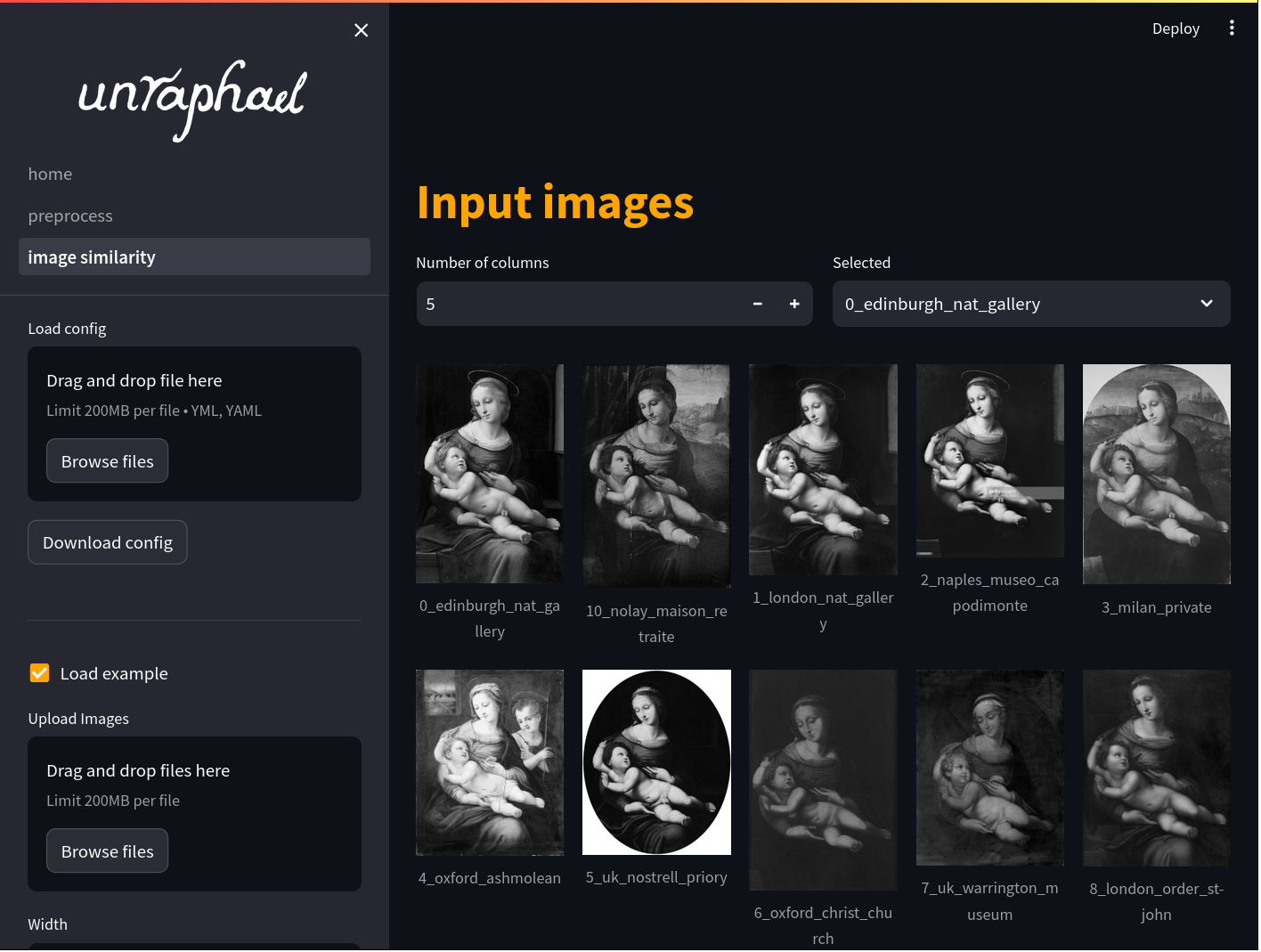 |
| Image preprocessing | Preprocess your images, e.g. background removal, color adjustments, applying image filters, segmentation | 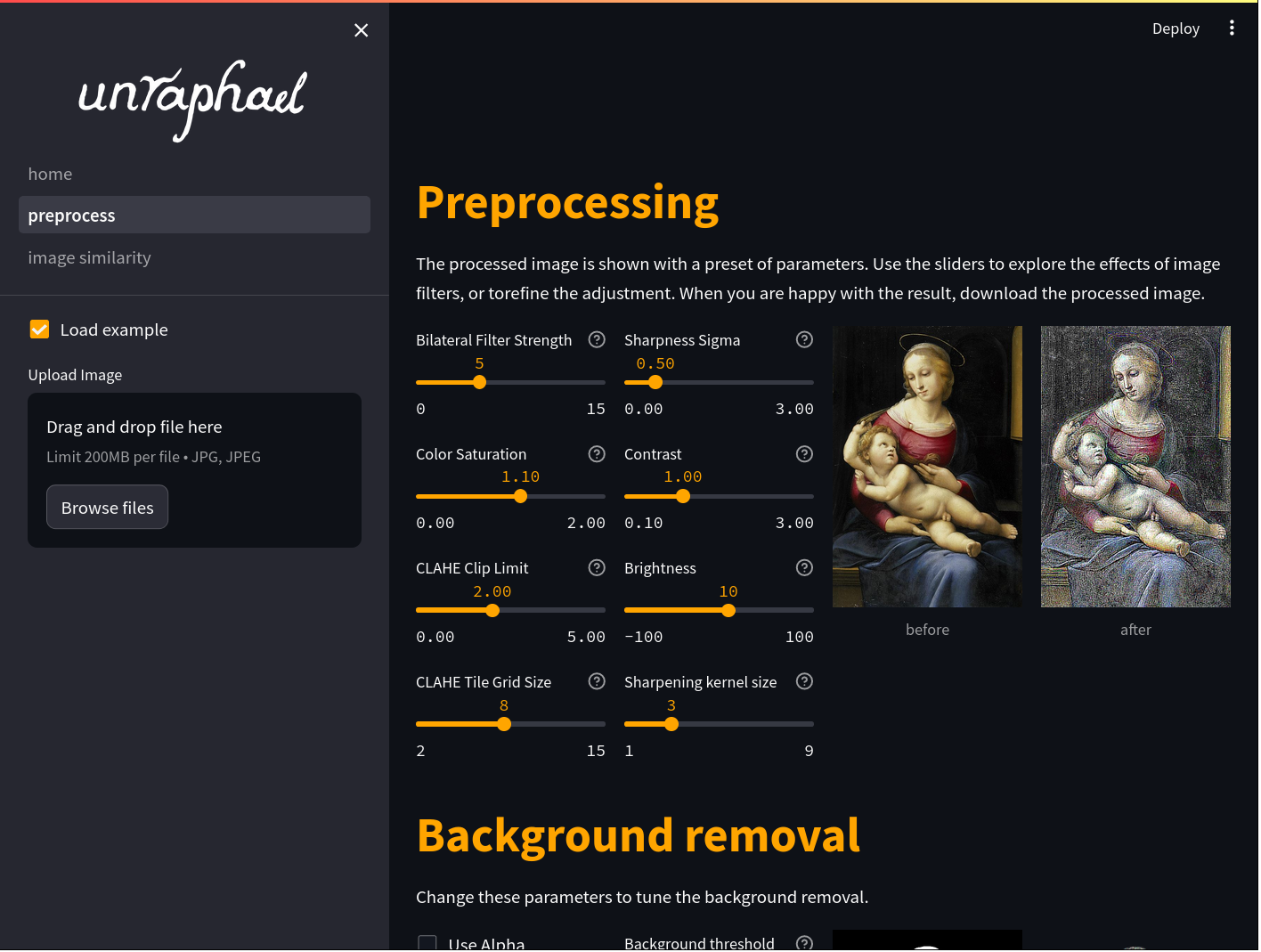 |
| Object detection | Quickly and accurately identify and segment figures or objects within an image to analyse the isolated components | 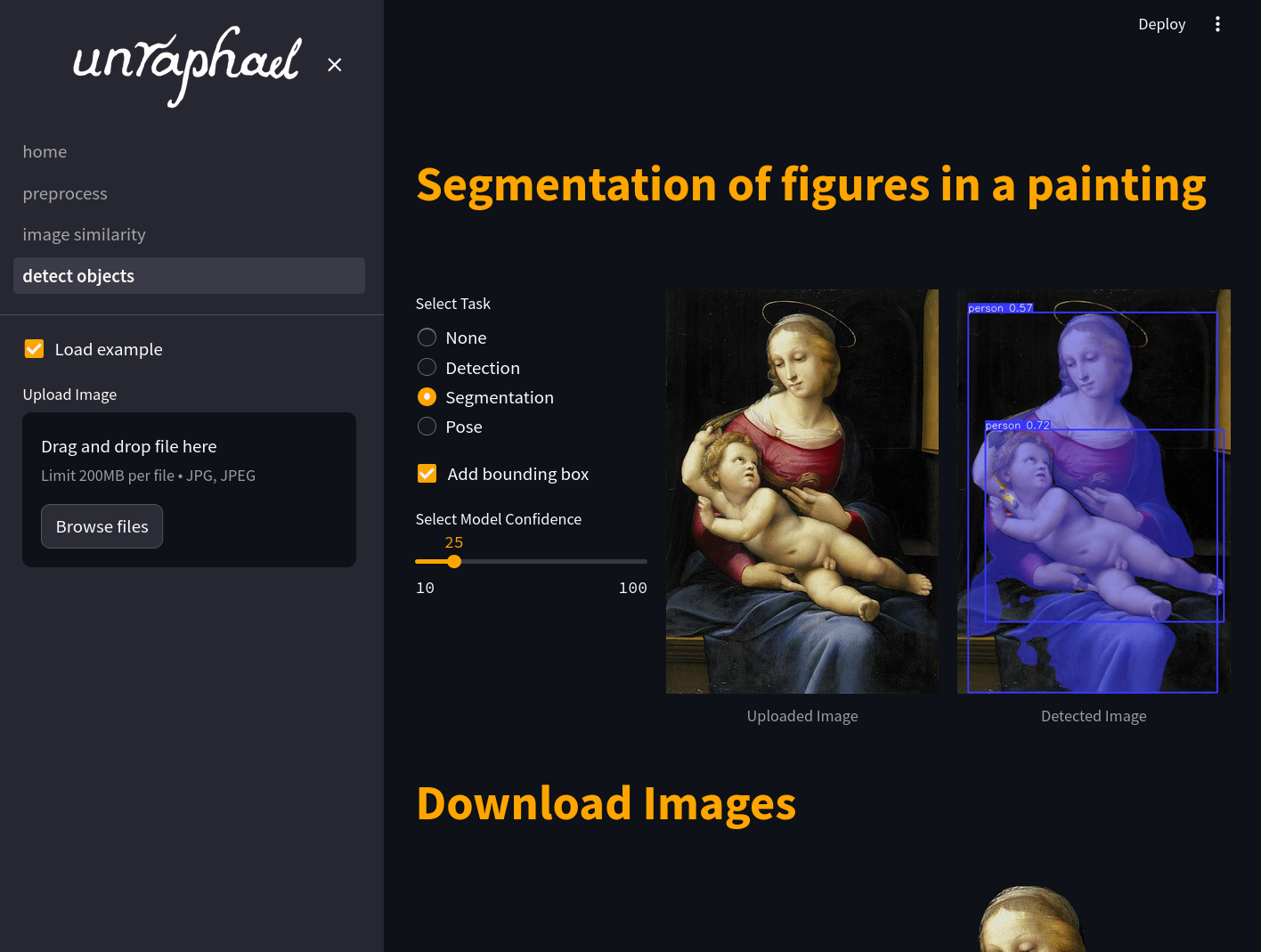 |
| Image comparison | Compare your images based on their structural components | 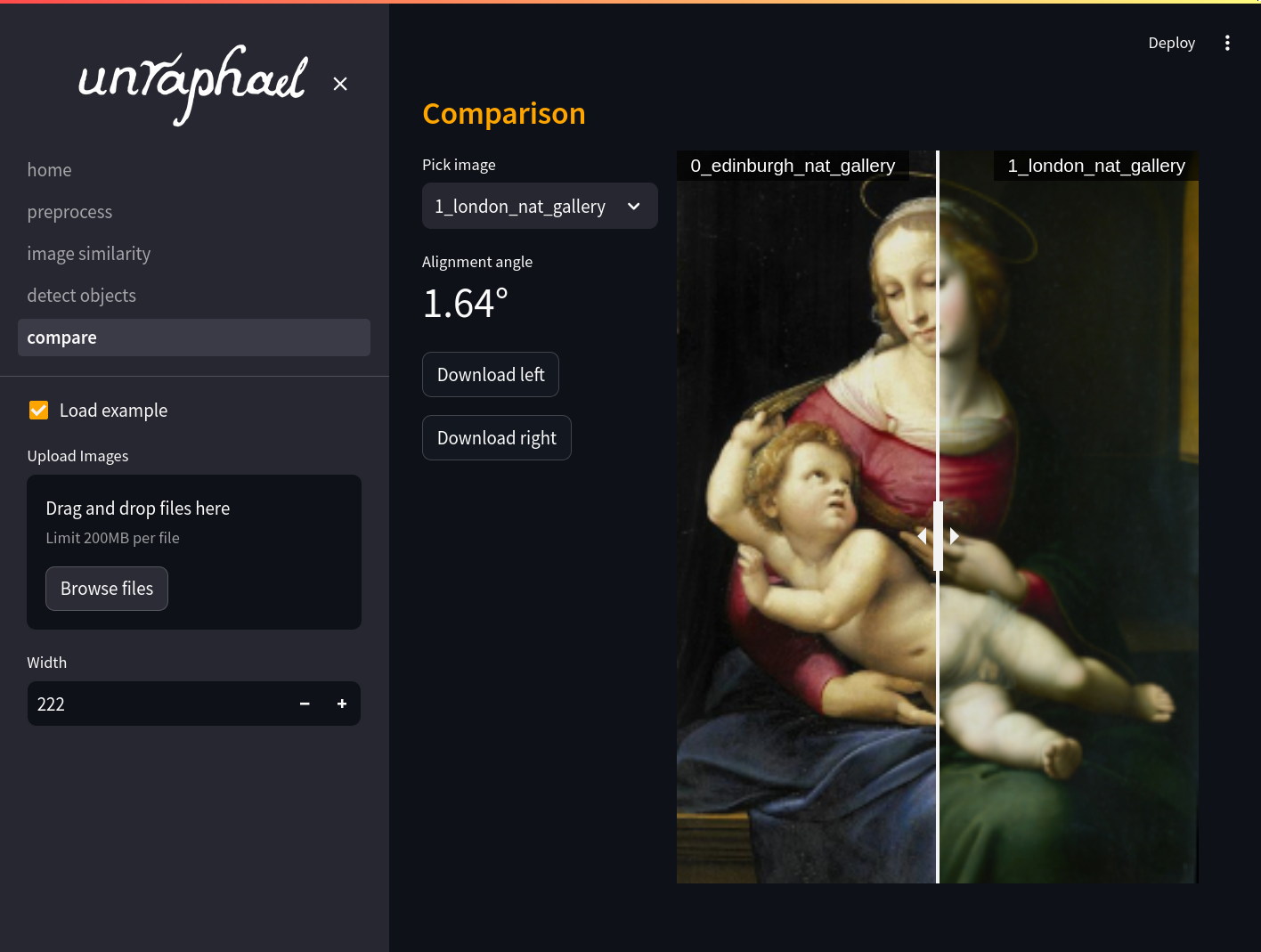 |
Using the unraphael dashboard locally
To install and use the dashboard locally:
pip install unraphael[dash]
unraphael-dash
Development
Check out our Contributing Guidelines to get started with development.
Suggestions, improvements, and edits are most welcome.
Self hosted deployment
To run on dashboard with:
sudo apt-get update && apt-get install libgl1 libglib2.0-0 -y
# As www-data user
python3 -m venv venv
pip install 'unraphael[dash]@git+https://github.com/DecodingRaphael/unraphael.git@0.3'
Systemd service
To run unraphael as a service, you can create a systemd service file. This will allow you to start, stop, and restart unraphael using systemd. 1. Create a service file for unraphael, for example `/etc/systemd/system/unraphael.service`:[Unit]
Description=Unraphael dashboard
After=network.target
[Service]
Environment="XDG_CACHE_HOME=/cache/dir" HOME="/writable/dir"
User=youruser
WorkingDirectory=/home/youruser
ExecStart=/home/youruser/.local/bin/unraphael-dash
Restart=on-failure
User=youruser
WorkingDirectory=/home/youruser
ExecStart=/home/youruser/.local/bin/unraphael-dash
Restart=on-failure
[Install]
WantedBy=multi-user.target
sudo systemctl enable unraphael.service
sudo systemctl start unraphael.service
sudo systemctl status unraphael.service
sudo systemctl stop unraphael.service